Image Zoom: tommybahama.com

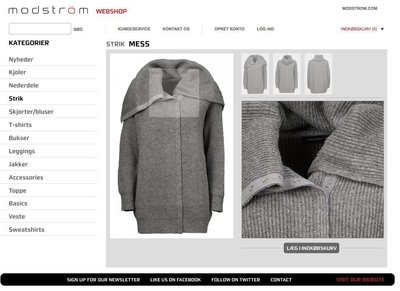
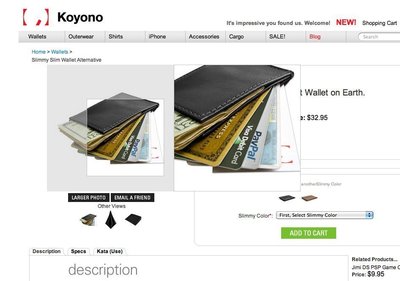
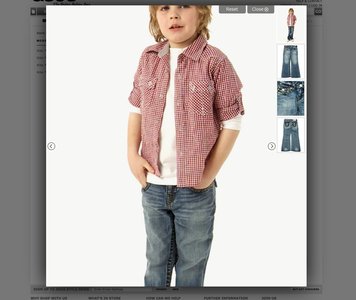
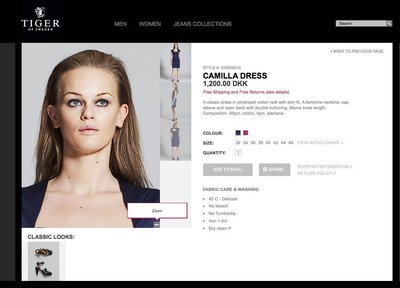
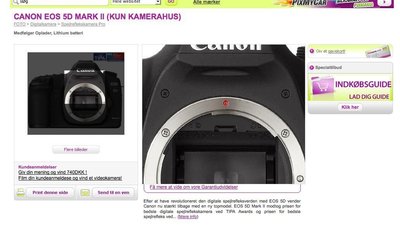
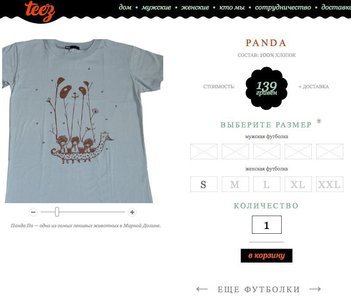
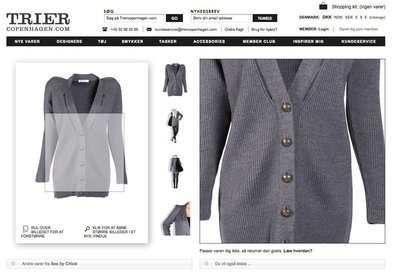
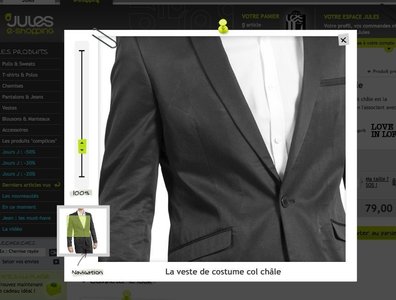
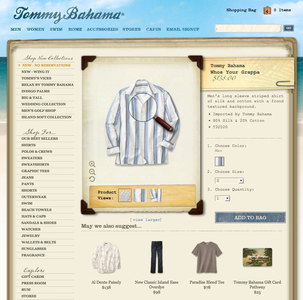
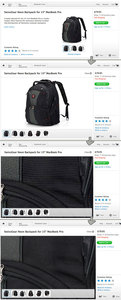
When your mouse is over the product image at Tommy Bahama, your cursor is transformed into a magnifying glass, which lets you zoom in on the details of the product. Furthermore, you can use the plus and minus magnifying glasses to zoom in on the texture and details of the product. For you convenience, default zoom locations (product views), which highlight the product's best features is made available with thumbnail images. When you click one of these, the zoom is animated whichever preset zoom location you chose.

Add to set

When your mouse is over the product image at Tommy Bahama, your cursor is transformed into a magnifying glass, which lets you zoom in on the details of the product. Furthermore, you can use the plus and minus magnifying glasses to zoom in on the texture and details of the product. For you convenience, default zoom locations (product views), which highlight the product’s best features is made available with thumbnail images. When you click one of these, the zoom is animated whichever preset zoom location you chose.

More examples from the Image Zoom collection

  • ImageZoom
  • ImageZoom
  • ImageZoom
  • ImageZoom
  • www.diapers.com

Be the first to comment!

Post a comment

Required. Real name or initials only.
Required. Will not be published.

Image information

Also featured in

Other collections include: Image Zoom, Image Zoom, bar