Most modern product organizations are doing exactly what they were taught to do: autonomous teams, clear ownership, continuous discovery, outcome-oriented goals. Each team is busy solving real user problems. Each team is shipping valuable improvements.
And yet, the product experience often feels increasingly fragmented.
Users see inconsistent labels. Similar actions behave differently across screens. Concepts don’t quite line up. Workflows feel stitched together rather than designed as a whole. Everything works locally. Nothing feels solid globally.
This is not a competence problem.
This is not a tooling problem.
This is not a design-system problem.
It’s a design model problem.
It’s a design model problem.
We are still designing products around use cases and journeys when we should be designing them around capabilities and platforms. And the cost of that mismatch shows up directly in the user experience.
Fragmentation happens when we solve each use case independently
Look at how most features get designed:
A use case is identified.
A journey is mapped.
A flow is designed.
A solution is shipped.
Repeat that process enough times and you get exactly what most mature products have: a collection of individually reasonable solutions that don’t quite fit together.
The same concept ends up being represented in three slightly different ways.
The same action behaves differently depending on where you encounter it.
The same object has different properties depending on which feature introduced it.
None of these decisions are irrational. They are often optimal for the local use case. But the accumulation creates something worse than bugs or visual inconsistency.
It creates conceptual instability.
Users can’t build a reliable mental model of the product because the product doesn’t have one.
Path thinking optimizes moments. Platform thinking optimizes systems.
Most UX practice today is still rooted in path thinking:
- What is the onboarding flow?
- What is the activation journey?
- What is the upgrade path?
What is the happy path for this feature?
This is understandable. Paths are concrete. They’re easy to map. Easy to prototype. Easy to test. Easy to hand off.
But paths are a poor foundation for complex products.
- Paths assume that:
- Users behave predictably
- Use cases are mostly independent
The product’s structure can remain implicit
Local optimizations won’t conflict globally
These assumptions hold for small products. They collapse as soon as complexity grows.
Platform thinking flips the abstraction.
Instead of asking:
“What is the flow for this use case?”
You ask:
“What capability does the user need, and how should that capability behave everywhere?”
This is not semantics. It’s a fundamentally different design posture.
Capabilities are not features. They are user powers.
A capability is a stable power the system gives the user.
Not: “Upload a profile picture”, but “Manage identity”
Not: “Invite teammate”, but “Control access”
Not: “Create dashboard”, but: “Compose information into shareable views”
When you design around capabilities:
- You stop designing isolated flows
- You start defining shared behavior
- You start caring about consistency of meaning
- You start thinking about how this power shows up across the entire product
Capabilities force you to confront the underlying model of the product instead of just its surface interactions.
And that’s precisely why they scale.
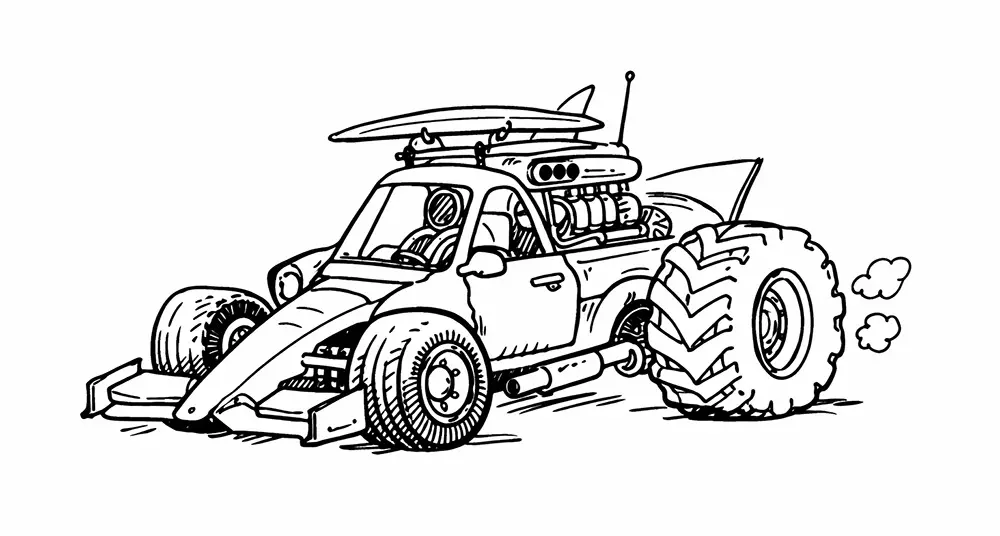
Fragmented UX is the natural result of use-case-first design
If you design per use case, here’s what happens:
- Team A designs permissions for reporting
- Team B designs permissions for collaboration
- Team C designs permissions for exports
Each solution makes sense locally.
Collectively, permissions become incoherent.
The same happens with:
- Filtering
- Searching
- Saving
- Versioning
- Sharing
- Notifications
- Roles
- Objects
- Settings
Fragmentation is not a bug.
It is the expected output of solving each use case in isolation.
The only way to prevent this is to change the unit of design from “flow” to “capability.”
Platforms feel intuitive because their primitives are stable
Look at products that feel powerful rather than brittle: Excel, Figma, GitHub, Notion, Stripe, Airtable.
They don’t feel good because every flow was perfectly designed.
They feel good because the underlying primitives are coherent.
Objects behave consistently.
Actions mean the same thing everywhere.
Concepts don’t mutate depending on context.
Users can:
- Transfer learning
- Combine features
- Explore safely
- Build mastery
That’s not the result of better screens.
That’s the result of better underlying structure.
That’s platform design.
Journey maps should reveal missing capabilities, not define structure
Journey maps are still useful. But they are diagnostic tools, not architectural ones.
Used correctly, journeys help answer:
- Where does the product feel brittle?
- Where do users need to work around the system?
- Where are they stitching together behavior themselves?
- Where do we keep solving similar problems repeatedly?
Those moments are signals that a shared capability is missing or underdeveloped.
If you use journey maps to define ownership (“this is Team X’s journey”), you lock fragmentation into the structure.
If you use journey maps to expose structural weakness (“we keep hacking around this capability”), you move toward a platform.
Designing capabilities requires seeing the whole system
This is where daily practice changes for designers.
If your work starts and ends with a single feature or flow, you will miss the patterns. Capability design requires zooming out.
You need to:
- Map the core objects of the product
- Inventory actions that repeat across areas
- Identify concepts that appear under different names
- Track where behavior diverges unintentionally
- Look across use cases instead of inside them
Practically, this means spending less time perfecting isolated screens and more time answering uncomfortable questions like:
- What is a “project” in this product, really?
- What does “sharing” actually mean system-wide?
- What are the invariant properties of a “workspace”?
- When does something become “saved”?
- What does “permission” control across all contexts?
These are not visual questions.
They are structural questions.
And they are design questions.
Capability-first design changes what “good work” looks like
Capability-first design changes what “good work” looks like
| Path-oriented: good design work often looks like | Platform-oriented: good design work looks like |
|---|---|
| Clear flows | Clarifying ambiguous concepts |
| Polished screens | Unifying behavior across contexts |
| Smooth micro-interactions | Removing duplicated logic |
| Conversion improvements | Defining strong primitives |
| Making the product more learnable over time |
This work is quieter. Less flashy. Harder to demo.
But it compounds.
You feel it when:
- New features require less explanation
- Users can predict how things will work
- Support questions decrease
- The product feels “solid” rather than clever
AI products make capability-first design unavoidable
AI interfaces expose the weakness of path-based design immediately.
- There is no stable happy path.
- Users prompt unpredictably.
- Models respond variably.
- Behavior shifts over time.
If you try to design AI experiences as fixed flows, you get:
- Fragile trust
- Inconsistent expectations
- Confusing affordances
- Users who don’t know what the system can or cannot do
The only viable approach is to define stable capabilities and constraints:
- What kind of control does the user have?
- What does the system remember?
- What is reversible?
- What is safe to explore?
- How is uncertainty communicated?
This forces designers away from “designing screens” and toward designing behavior.
Which is exactly the shift mature products need even without AI.
Platform design is slower upfront and faster forever
Designing per use case feels fast.
You can ship. Iterate. Fix locally.
Designing capabilities feels slower.
You need to align concepts. Revisit assumptions. Think systemically.
But the trade-off is clear:
Path-first design optimizes short-term delivery and accumulates long-term fragmentation.
Platform-first design invests upfront and compounds coherence over time.
Products that survive long enough eventually face this fork.
Most just never name it.
The real shift: from screen design to system design
The deepest change is not methodological. It is philosophical.
Path-based design treats products as collections of experiences.
Platform-oriented design treats products as coherent systems.
One optimizes moments.
The other optimizes meaning.
As products grow, the primary UX challenge stops being friction in a flow and becomes fragility of structure.
The solution is not better journeys.
The solution is better primitives.
Stop asking:
“How should this flow work?”
Start asking:
“What should this capability mean everywhere in the product?”
That’s how you design products that scale without breaking themselves.