And how to actually build one that works
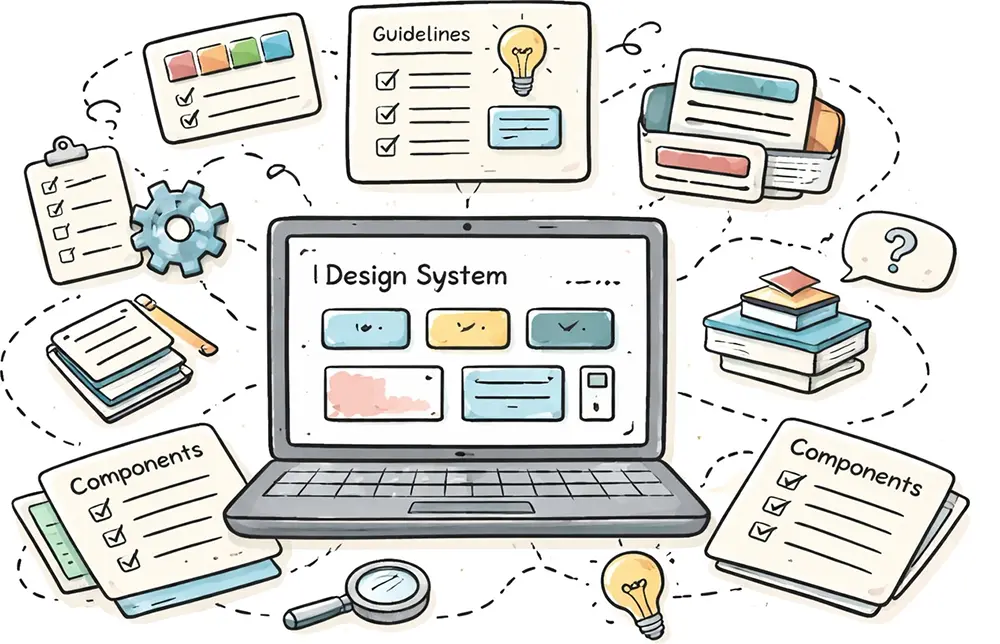
Design systems are often positioned as the solution to inconsistent interfaces, slow development, and fragmented user experiences.
But in practice, most design systems don’t fail because they’re poorly designed.
They fail because they’re not used.
Teams either overbuild too early, treat them like static UI kits, or struggle to get adoption across designers and engineers. As discussed in Why most design systems fail and how to cultivate success, the real challenge isn’t building a system, but more about making it stick.
This article takes a practical approach. Instead of overcomplicating things, we’ll focus on a simple framework for creating a design system that is usable, scalable, and grounded in real product needs.
What Is a Design System (Really)?
A design system is more than a collection of components.
At its core, it is:
- A set of predefined styles
- A collection of reusable components
- A set of usage guidelines
More importantly, it is a system of decisions.
Without a system, every design choice, from spacing to color to typography, becomes a new decision. That slows teams down and leads to inconsistency. A design system removes that overhead by defining a limited set of options and clear rules for using them.
The goal is not just consistency. It’s efficiency.
Why Design Systems Matter
As products grow, so does complexity. Multiple designers, developers, and teams contribute to the same interface.
Without a shared system:
- UI becomes inconsistent
- Components get duplicated
- Patterns drift over time
Design systems solve this by creating a shared foundation.
They improve:
- Consistency so interfaces feel cohesive
- Speed as teams reuse instead of rebuilding
- Scalability as systems support growth across products
But there’s an important nuance: consistency is not the goal by itself. It’s a byproduct of reducing unnecessary decisions.
Design Systems Are Built on Patterns
Before thinking about systems, it’s important to understand patterns.
As explored in Design patterns are the building blocks of good UI, patterns are proven solutions to common interface problems.
For example:
- A form layout
- A navigation structure
- A card component
Design systems take these patterns and formalize them:
- Standardizing how they look
- Defining how they behave
- Making them reusable
In other words, patterns are the foundation. The system is the structure built on top.
A Practical Framework for Creating a Design System
You don’t need a complex process to build a design system. In fact, overengineering is one of the fastest ways to make it fail.
A simple and effective approach comes down to three steps:
- Define predefined style options
- Create reusable components
- Define usage guidelines
This structure keeps the system focused and usable. More importantly, it aligns with how products are actually built.
Step 1: Define Predefined Style Options
The first step is to reduce the number of decisions designers need to make.
Instead of working with unlimited choices, you define a small set of reusable style options—often referred to as design tokens. These include colors, typography, spacing, shadows, and other foundational elements.
This is where many teams hesitate. Limiting options can feel restrictive, especially early in the design process. But in reality, constraints are what make systems effective. They remove ambiguity and help teams move faster.
A good example is color. Rather than choosing new colors for each screen, you define a palette with clear roles. A brand color is used for interactive elements like buttons and links. Neutral colors handle text and backgrounds. Functional colors communicate states like success or error.
Typography follows the same principle. Instead of creating custom styles for each use case, you define a consistent set of font sizes, weights, and line heights. These become the default building blocks for every interface.
Even small details like spacing, border radius, and shadows benefit from standardization. When these elements are predefined, interfaces feel more cohesive and predictable.
Step 2: Build Reusable Components
Once your foundational styles are in place, you can start building components.
The key is to begin small. Start with the simplest elements—buttons, inputs, labels, and icons. These are the building blocks of your interface.
From there, you combine smaller components into larger ones. A button and input field become a form. A group of elements becomes a card. Cards combine into layouts.
This layered approach reflects how real interfaces are constructed. It also makes your system more flexible, since each piece can be reused in different contexts.
Eventually, these components should live in a central library. This library acts as the source of truth, making it easy for teams to find, use, and maintain components. But the goal isn’t just organization—it’s reuse. If components aren’t reused, the system isn’t working.
Step 3: Define Usage Guidelines
This is the step that’s most often overlooked, and it’s usually where systems break down.
A component without guidance is just a visual asset. Different designers will use it in different ways, and inconsistencies will quickly emerge.
Usage guidelines provide the missing context. They explain when to use a component, when not to use it, and how it should behave. They turn the system into a decision-making tool rather than just a collection of assets.
Good guidelines don’t just describe what something is—they explain why it exists. They include real examples, show edge cases, and clarify intent.
Without this layer, even the best-designed systems will fail to scale.
Why Most Design Systems Fail
Even with the right structure, many design systems struggle in practice.
The most common issue is lack of adoption. If the system is difficult to use, incomplete, or disconnected from real workflows, teams will ignore it.
Other common problems include overbuilding too early, designing in isolation from engineers, and failing to maintain the system over time.
As outlined in Why most design systems fail and how to cultivate success, success depends less on how polished your system is and more on how well it integrates into everyday work.
How to Make Your Design System Work
To create a system that actually works, you need to focus on adoption from the start.
That means making the system easy to use and clearly valuable. It should save time, not add overhead. It should fit naturally into existing workflows, not require teams to change how they work entirely.
It also means starting small. Instead of trying to design everything upfront, focus on the components and patterns your team is already using. Expand the system gradually, based on real needs.
Finally, treat your design system as a product. It should evolve, improve, and respond to feedback. Like any product, its success depends on how well it serves its users.
A design system is not about enforcing consistency for its own sake.
It’s about reducing unnecessary decisions, aligning teams, and making better products faster.
If your system isn’t being used, it doesn’t matter how well it’s designed.
That’s the only metric that matters.
