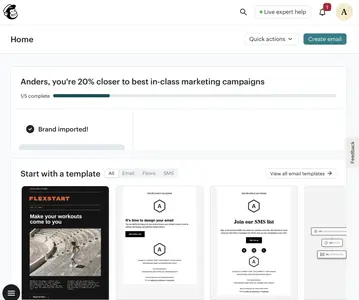
Template Gallery
Design Pattern

Alternate titles: Templates, Starter Templates, Template Picker.
Problem summary
Facing a blank canvas, the user doesn’t know what a good result looks like or where to begin.
Example
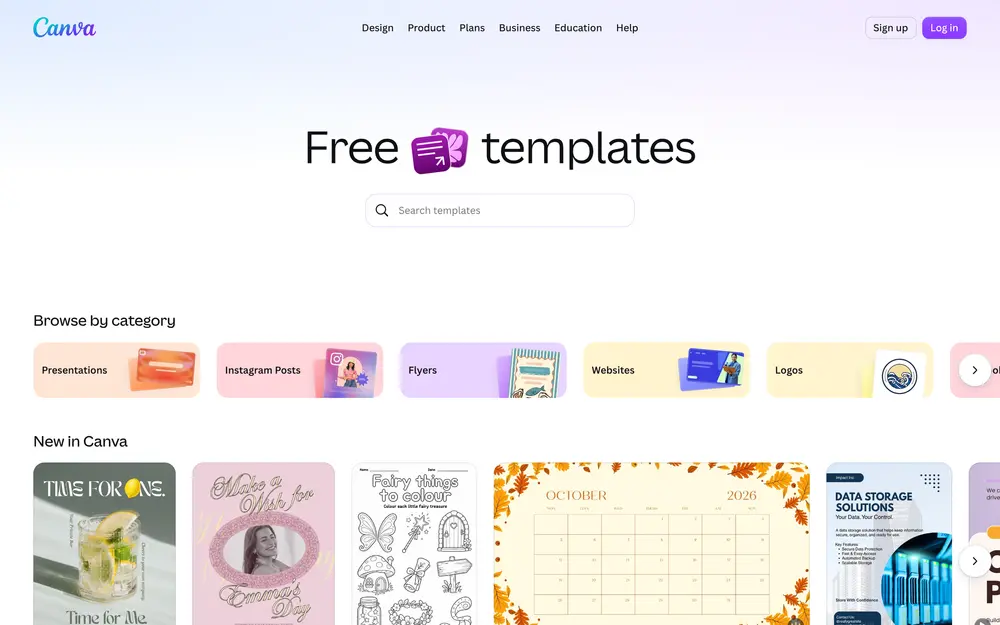
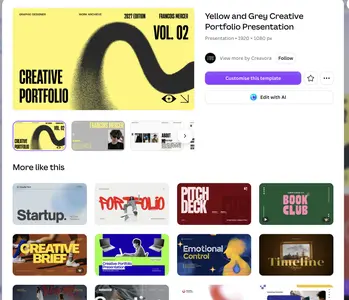
▲ Canva’s template gallery combines search, visual categories, and previews of new templates.
Usage
- Use when users create documents, boards, projects, designs, or workflows from scratch.
- Use when good results follow recognizable structures that can be reused.
- Use when you want to show what the product can do by example.
- Do not use when templates would push users toward uses that don’t fit their goal.
The card deck
Find more patterns like Template Gallery in the UI Patterns card deck
A collection of 60 User Interface design patterns, presented in a manner easily referenced and used as a brainstorming tool.
Solution
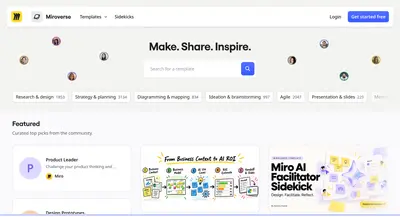
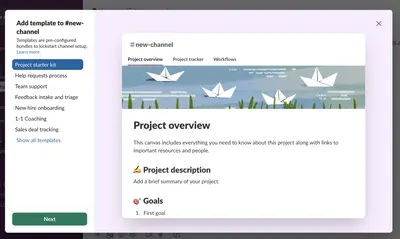
Offer ready-made starting points that the user can pick, open in one click, and adapt to their own needs. A template gallery is the natural companion to a Blank Slate: where the blank slate explains what belongs on an empty page, the gallery fills it.
Preview every template
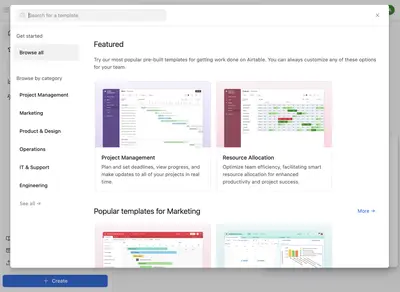
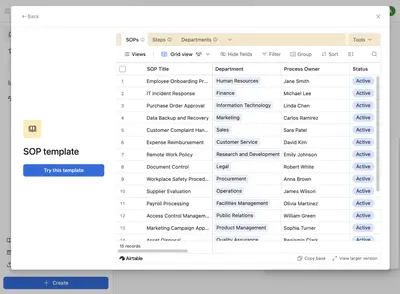
Give every template a visual preview, so users can recognize what they want at a glance. A name such as “Weekly team update” helps, but a thumbnail of the finished result helps more. Canva’s template page goes further: it shows the template at full size with all its pages, a “Customise this template” button, and a “More like this” grid for comparing alternatives.
Start small and relevant
During onboarding, show a small set of templates matched to the user’s goal, for example based on their answers in a personalization form. Group the full collection into clear categories with search for later.
Make starting instant
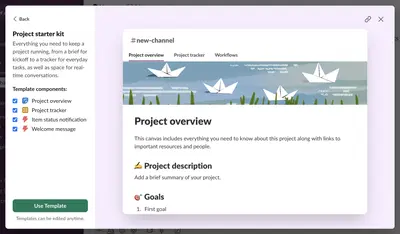
Let users start from a template with a single click, and drop them straight into an editable copy. Fill the template with realistic example content, so the user can see how it works and replace it piece by piece.
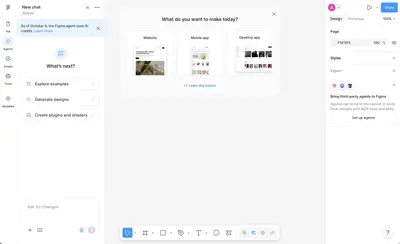
Keep a blank option
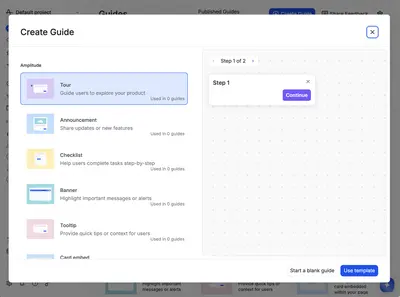
Experienced users often know exactly what they want. Include a “Blank” option alongside the templates. Amplitude’s “Create Guide” dialog lists each guide type (tour, announcement, checklist, banner, tooltip) with a preview, and keeps “Start a blank guide” right beside “Use template”.
Let users share their own
Over time, let users and teams publish their own templates. A community gallery becomes an entry point to the product in its own right, and shows uses its designers never planned.
Rationale
Editing is easier than creating. A template gives the user a model to imitate, shortens the path to a result they are proud of, and teaches the product’s structure by example: the user learns how a good board or document is built by changing one.
Changing a template also makes it the user’s own. The IKEA effect describes how people value what they have put effort into, and a template that was adapted feels more like the user’s work than one that was generated for them.
Discussion
Too many templates
A gallery with hundreds of undifferentiated options recreates the blank-page problem as a choice problem, the situation Limited Choice warns about. Curate a short list for new users, and use categories, search, and recommendations for the rest.
Templates that don’t fit
A template that looks impressive but doesn’t match the user’s goal can lead them into a structure they later have to undo. Describe what each template is for, and who it suits.
Measuring it
Track template use, time to the first meaningful result, and retention of users who started from a template compared with users who started blank.
More examples of the Template Gallery pattern