Guest Access
Design Pattern
Alternate titles: Guest Mode, Recipient View, Shared Link Access.
Problem summary
People who receive something shared with them must sign up before they can see it, so many never do.
Example
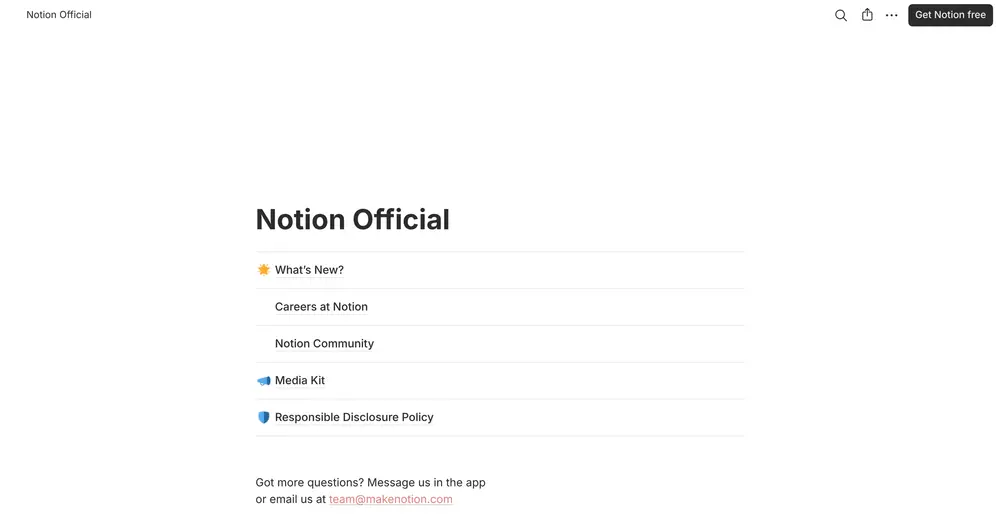
▲ A published Notion page can be read by anyone with the link, without an account. A small “Get Notion free” button in the corner is the only invitation to sign up.
Usage
- Use when recipients only need to view, comment, approve, book, or reply.
- Use when the shared object is valuable on its own, without the rest of the product.
- Use when recipients are potential users, and their first experience should be the product working.
- Do not use when the content is confidential and needs identity verification.
- Do not use when anonymous access could be abused.
The card deck
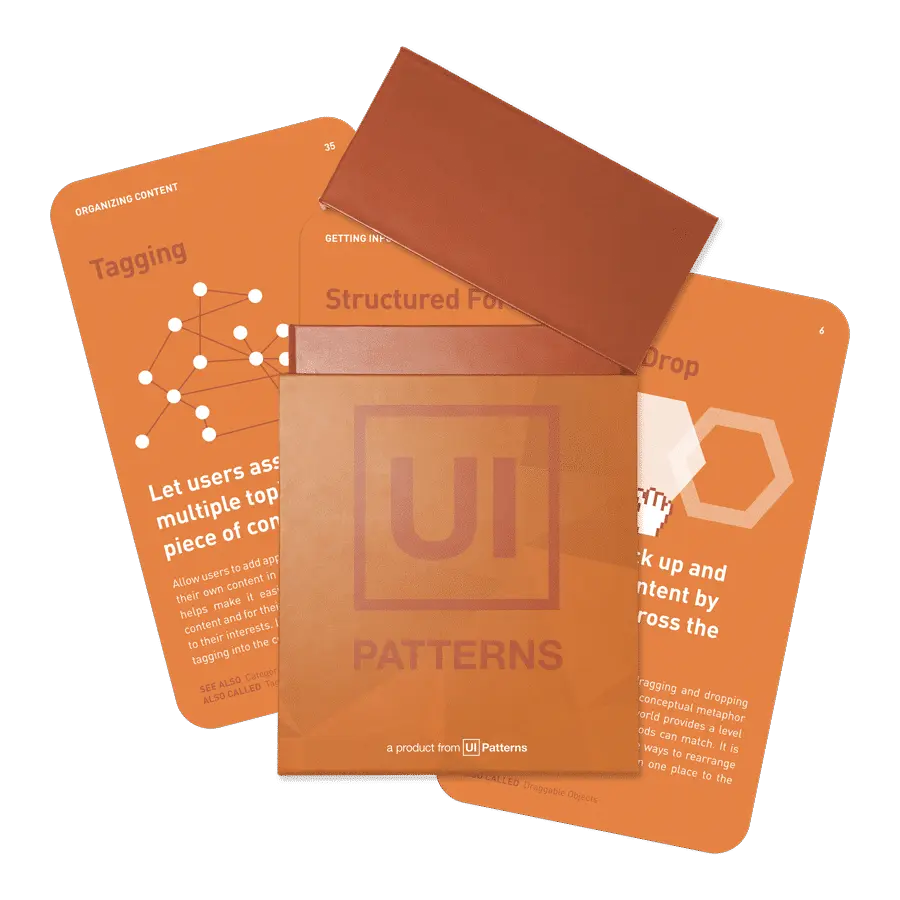
Find more patterns like Guest Access in the UI Patterns card deck
A collection of 60 User Interface design patterns, presented in a manner easily referenced and used as a brainstorming tool.
Solution
Let recipients open what was shared with them directly, and take the first relevant action without creating an account.
Put the shared object first
Open the document, video, booking page, or update itself, not a page about the product. Make the first action available right away: reading, commenting, booking a time, approving, or replying.
Make clear who shared it and why
Show the sender’s name and, where possible, a short message. Recipients act more readily when they know the request comes from someone they know.
Ask for an account later
Offer an account when it gives the recipient something of their own: “Save this”, “Get notified about replies”, “See all updates in one place”. A small, persistent link such as “Get started free” is enough until then.
Keep the recipient’s work
If the guest later signs up, carry over what they did as a guest: their comments, bookings, or replies.
Rationale
The recipient’s first experience of the product is the product working, instead of a form. Guests who get value from a shared link have a reason to sign up later, which people who met a signup wall never get. It is Reciprocation at work: the product has already been useful before it asks for anything. Guest responses also bring the original user back, which strengthens their habit.
Discussion
Preview walls
Some guest views are signup walls with a blurred preview, or push recipients to register before they have finished what they came to do. These recreate the barrier the pattern is meant to remove.
Abuse and privacy
Open links can be forwarded. Let senders choose who can open a link, set expiry dates for sensitive content, and limit what guests can do, for example comment but not edit.
Guest access or lazy registration
Lazy Registration lets a new user try the product for their own purposes before creating an account. Guest Access is for people who didn’t come to the product at all, but were sent something by someone who did. The two combine well: a guest who becomes a user can keep what they did, as the pattern recommends.
Well-known examples
Calendly booking pages, Loom video links, and published Notion pages all let recipients use the product before they ever sign up.
Measuring it
Track the share of recipients who act on a shared link, the time to their first response, and the share of guests who later sign up.