Magic Login Link
Design Pattern
Alternate titles: Magic Link, Passwordless Login, Email Sign-in Link, One-time Code.
Problem summary
The user wants to sign up or sign in without having to create, remember, or reset a password.
Example
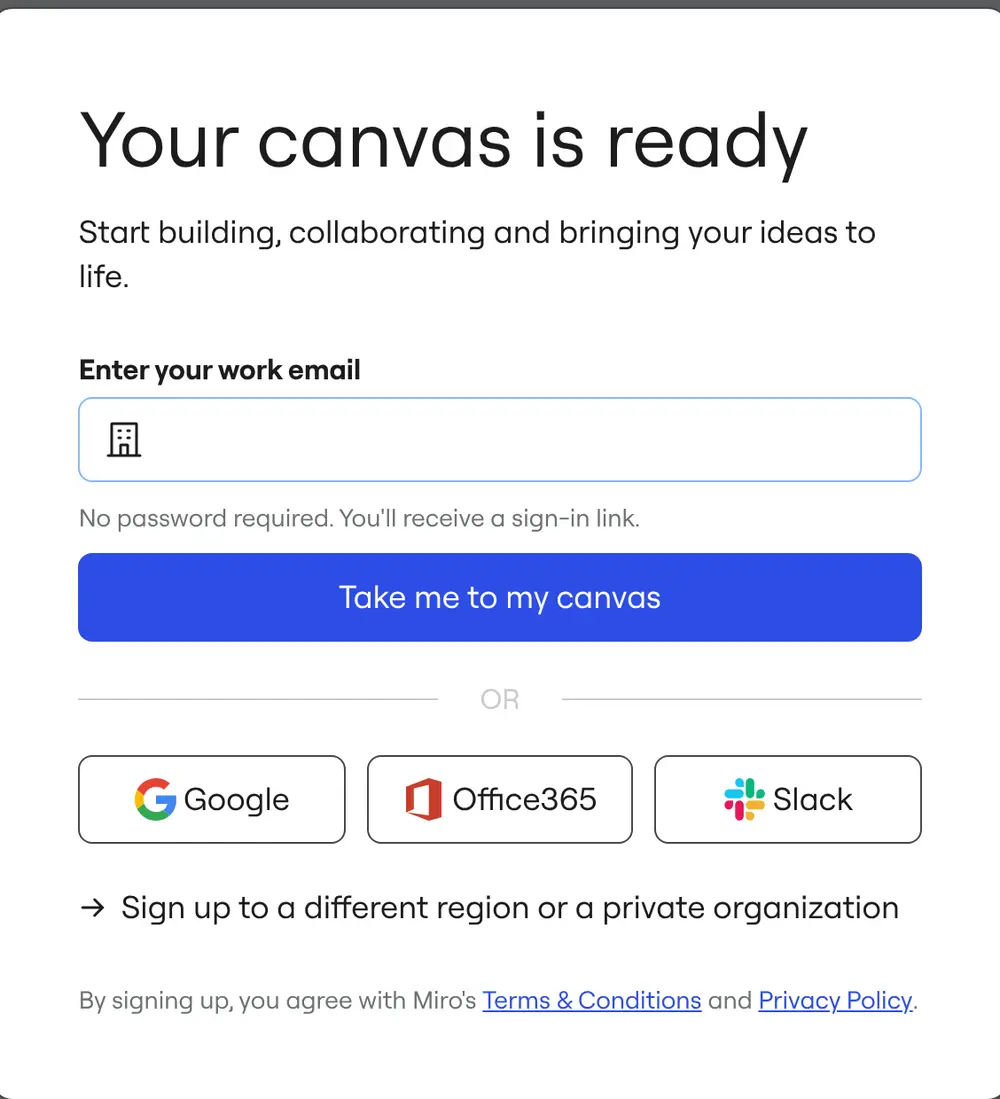
▲ Miro lets new users start on a canvas first, then asks only for a work email. “No password required. You’ll receive a sign-in link.”
Usage
- Use when users sign in infrequently and are likely to forget a password between visits.
- Use when your audience reliably has access to their email on the device they are using.
- Use when you want to verify the user’s email address as part of signing in.
- Do not use when users sign in many times a day, or on shared devices where opening email is impractical.
- Do not use when email delivery is slow or unreliable for your audience.
The card deck
Find more patterns like Magic Login Link in the UI Patterns card deck
A collection of 60 User Interface design patterns, presented in a manner easily referenced and used as a brainstorming tool.
Solution
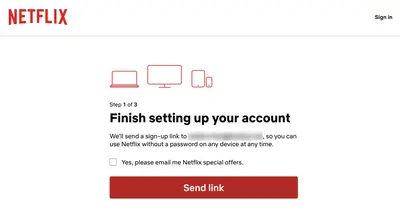
Ask for the email address only. Send a one-time login link, or a short code, to that address, and sign the user in when they use it. There is no password to create at signup, and nothing to remember at the next login.
Tell users exactly what happens next
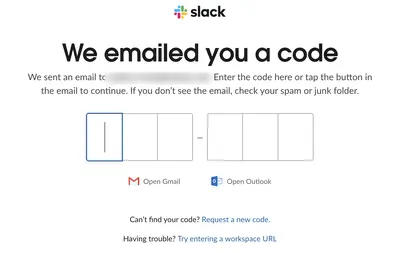
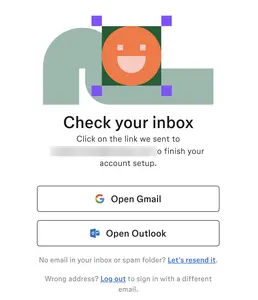
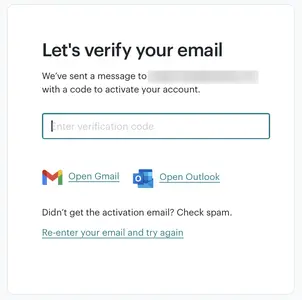
After the user submits their address, say where the email is coming from, what the subject line is, and how long the link or code is valid. Offer a way to resend, and a way to correct a mistyped address.
Offer a code as well as a link
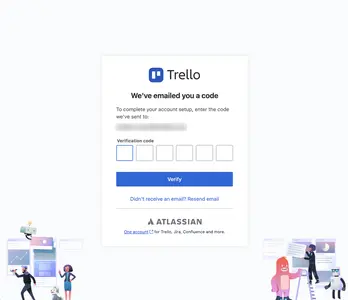
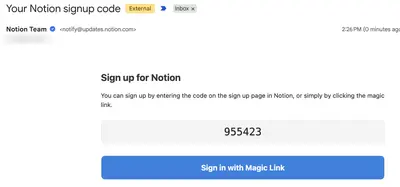
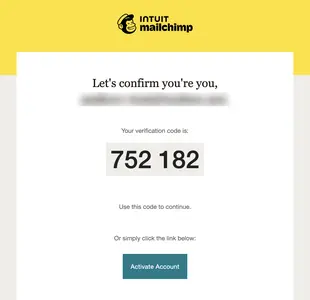
A link only works smoothly when the user reads email on the same device they are signing in on. A short numeric code can be typed on any device, so many products send both.
Keep the user in place
Let the link open the product in the state the user left it: the page they were on, or the canvas they were about to start. The detour to the inbox should feel like one more step in the flow.
Offer a password as a fallback
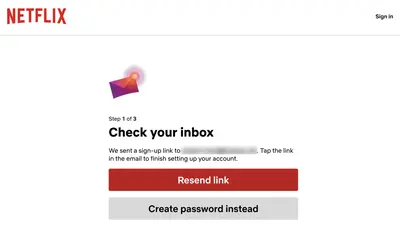
Some users prefer a password, or can’t open email on the device in front of them. Netflix keeps a secondary “Create password instead” button below “Resend link” on its “Check your inbox” screen, so the passwordless route is the default and not the only route.
Remember the device
Keep users signed in for a reasonable time on their own devices, so they only need a login link occasionally.
Rationale
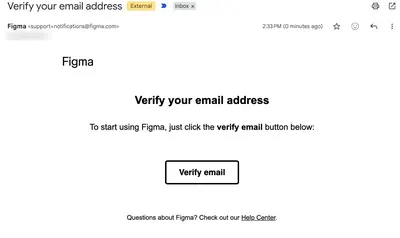
Passwords add a memory task at signup and a failure point at every later sign-in. A magic link removes both. It relies on something the user already has, access to their email, and it verifies the email address in the same step, so a separate confirmation step is no longer needed. Compared with a conventional account registration form, the user does one thing instead of several: open an email and press a button.
Discussion
The inbox is an interruption
Switching to the inbox is itself an interruption. The user may get distracted by other email, or the message may land in a spam folder. When the first session should not depend on email at all, let the user start right away and ask for verification later.
Security
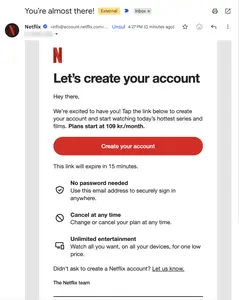
Magic login links are only as secure as the user’s email account. Make links single-use and short-lived (Netflix’s email says “This link will expire in 15 minutes”), and bind them to the session or device that requested them where possible.
Link scanners
Some corporate email systems open every link in a message to check it for threats, which can use up a single-use link before the user gets to it. Let the link lead to a page with a confirm button, and complete the sign-in only when the user presses it. A short code is not affected by this problem.
Lazy registration instead
If the user could try the product without an account at all, consider Lazy Registration and ask for the email address later.
Measuring it
Track the share of sent links or codes that lead to a completed sign-in, and the time between request and sign-in. A long delay or a large drop-off usually points to delivery problems or unclear instructions.
More examples of the Magic Login Link pattern