Connected Accounts
Design Pattern

Alternate titles: Integrations Setup, App Connections, OAuth Connect.
Problem summary
The product only becomes useful once it can reach data and actions in the user’s other tools, but connecting accounts feels technical and risky.
Example
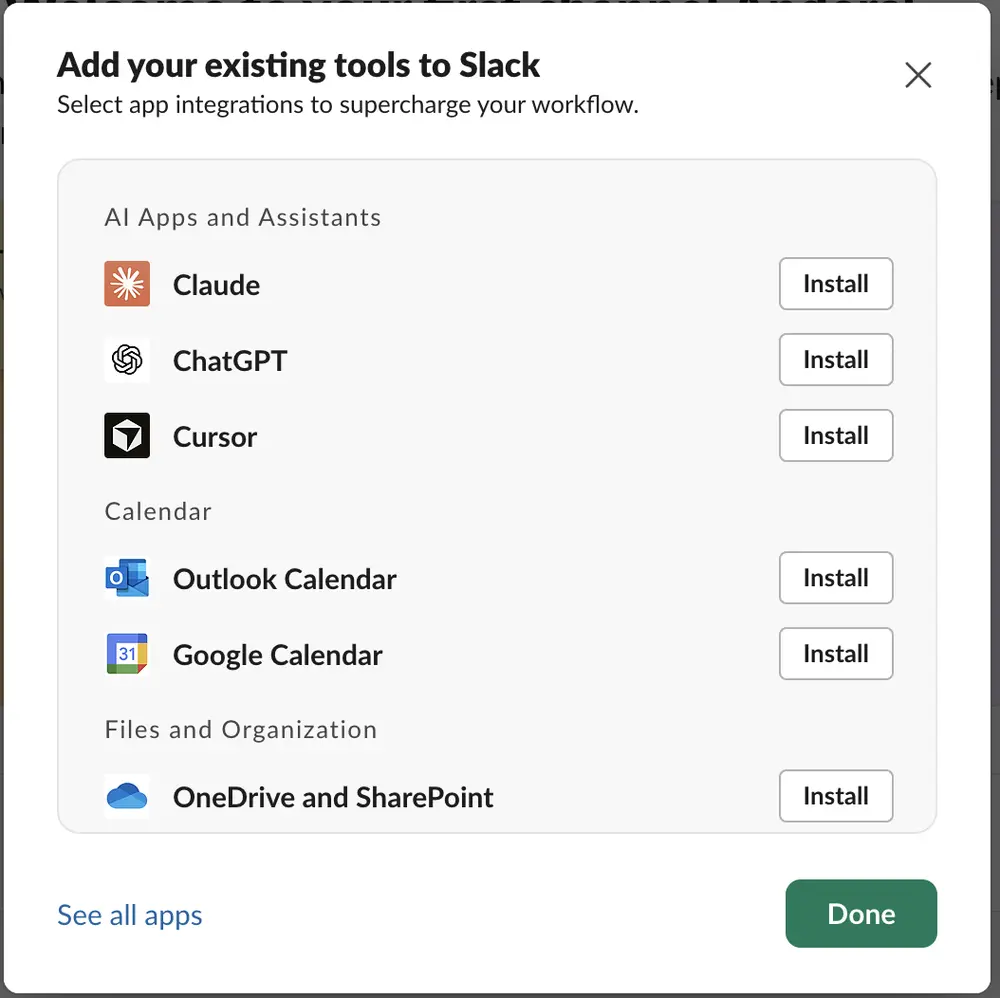
▲ Slack’s “Add your existing tools” dialog groups integrations by purpose (AI apps, calendar, files), each with its logo and an Install button, and a link to see all apps.
Usage
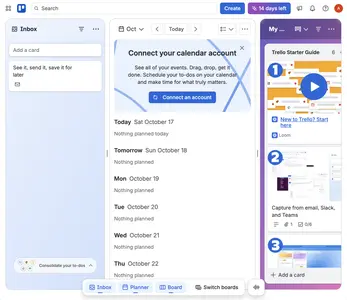
- Use when first value depends on data or actions in another service, such as a calendar, a file store, or an issue tracker.
- Use when users already work in tools that your product can connect to.
- Use when connecting saves work the user would otherwise do by hand.
- Do not use when the connection could wait until after first value.
The card deck
Find more patterns like Connected Accounts in the UI Patterns card deck
A collection of 60 User Interface design patterns, presented in a manner easily referenced and used as a brainstorming tool.
Solution
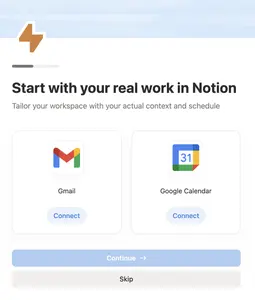
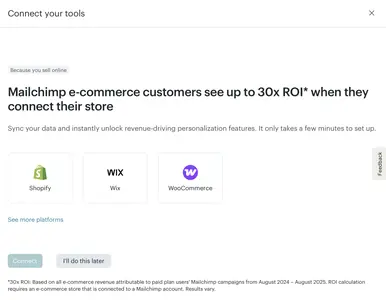
Show the integrations the user is most likely to want, make connecting each one a single clear action, and explain what connecting will do.
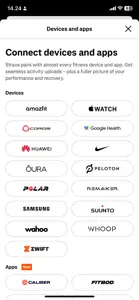
Show familiar tools as a short list
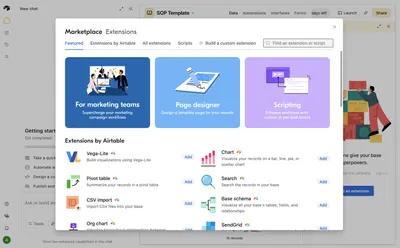
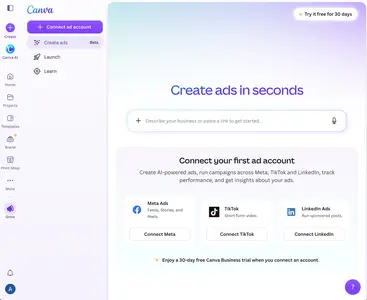
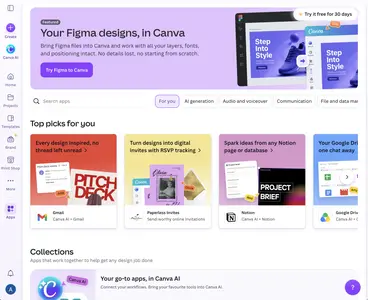
Present integrations as rows or cards with recognizable logos, grouped by what they do (calendar, files, assistants). Recommend the one or two that matter most for the user’s goal, instead of showing the whole directory first. Offer “See all apps” for the rest. Canva’s “Connect your first ad account” screen shows three platforms side by side, each with a one-line description and its own connect button, and its Apps page recommends integrations such as Gmail, Notion, and Google Drive with a sentence on what each one does.
Explain before the permission screen
Before the provider’s permission screen appears, say in plain words what the product will read or do, and what it will never do. A permission screen the user did not expect is the point where many connections end.
Show the result immediately
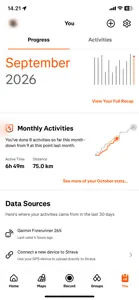
After connecting, show what the connection brought: the first imported events, files, or items. Seeing the result makes the effort worth it.
Keep it optional and reversible
Let users skip the step and come back to it later, and make disconnecting easy to find.
Rationale
Explaining the benefit and the limits before the permission screen reduces the perceived risk of connecting, and showing the result right away rewards the effort. Placing the step where the product has just shown it needs the connection makes the request feel like part of the task, which is the timing Kairos argues for.
Discussion
Asking for too much
Broad permissions requested “just in case” make users stop and reconsider. Request the narrowest access the feature needs, and ask again later in context if more is needed.
Connections that could wait
If the product can deliver first value without the integration, offer it afterward. A connection step placed before value asks the user to take a risk without a reason to.
Connected accounts and data import
Connecting an account keeps two systems in sync, while a data import copies data once. Some products offer both, and users should be able to tell which one they are choosing.
Connected accounts and social login
Social Login is a connection too, made at signup and limited to identity. A connected account at the integration step asks for more, so it needs its own explanation and its own consent.
Measuring it
Track the connection rate at the integration step, the failure rate, and the activation of connected users compared with unconnected users.
More examples of the Connected Accounts pattern