Captcha
Design Pattern
Problem summary
The application needs to verify that the data submitted originates from an actual human and not a robot.
Example
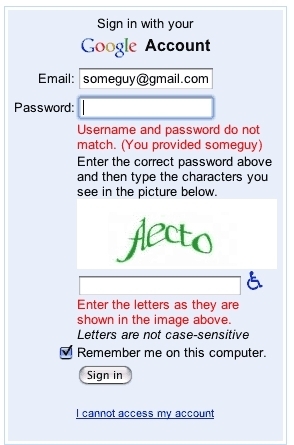
Usage
Websites featuring the ability for visitors to comment, register as a user, or otherwise actively post content on the website are often exposed to attacks from spam-robots. The content posted by such spam-robots can be compared to spam sent by e-mail. The main purpose of spam-robots on the web is to create and spread links to a specific website, in order to increase the websites search rating on search engines like google.com. These spam-posts rarely have anything to do with the subject of the website, hence the spam categorization.
To avoid such spam, captchas are introduced. The whole idea behind Captchas is to create a way to distinguish real human beings from automated robots.
- Use when your web application experiences attacks from malicious web-robots trying to post spam-content on your site
- Use to protect your website from automated robots
- Use when the capability to post content to your website is not blocked by the need to be logged in. Registration processes are included.
More examples
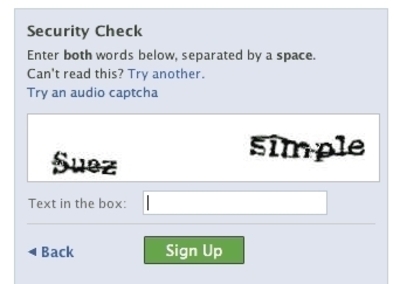
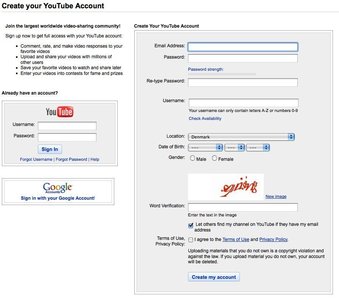
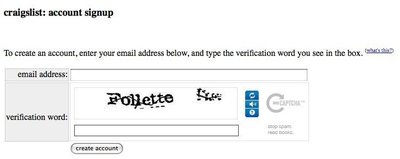
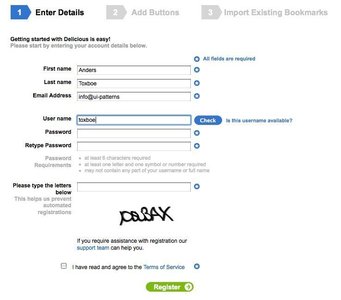
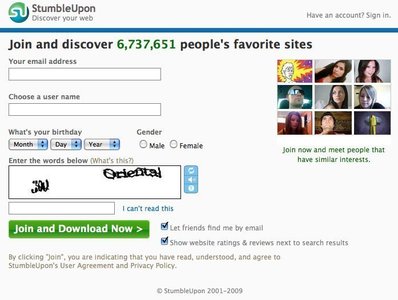
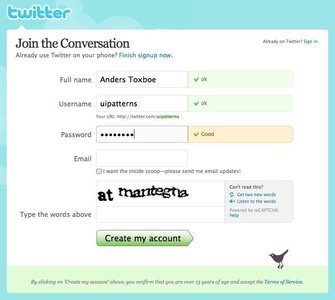
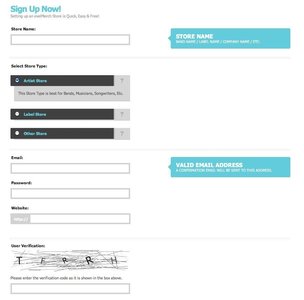
Solution
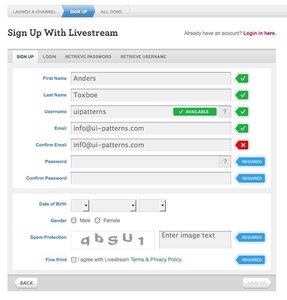
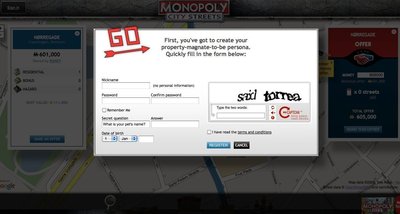
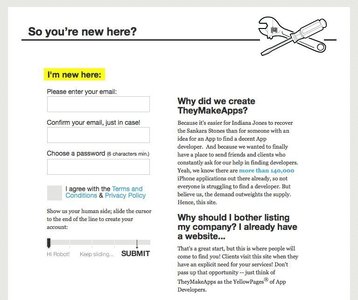
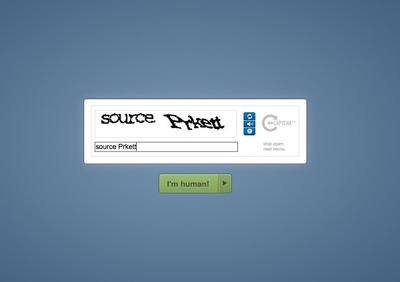
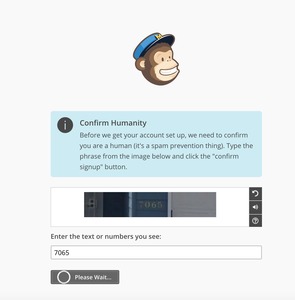
The most popular form of Captchas are images that represent letters and numbers inside. The user is prompted to write in a separate form field what the image reads in a separate form field. To prevent spammers from using OCR software to read the image, the image is manipulated in different ways, which makes it hard for computers while maintaining readability for humans.
If the user succeeds in typing what the image says, his content is posted to the website. If not, the action will be refused. It is common to allow a number of tries to enter the captcha text, as some captcha images are even unreadable to humans due to the strong image manipulation is has been exposed to.
Rationale
Captchas are short for ‘Completely Automated Public Turing test to tell Computers and Humans Apart’. The whole idea behind Captchas is to distinguish humans from computers letting the user perform an action a computer can’t. A captcha is a simple Turing test.
There is a fine line between making a captcha unrecognizable for OCR scanners and still readable for human beings. Readability for the human has to come first. Other problems with implementing captchas to protect your website include a lock-out from visually impaired users as they can’t use voice software to speak what the captcha reads.
Other forms of protection from malicious spammers are asking questions like “what is 2 + 3” or “what is two plus three” or using voice captchas,
More examples of the Captcha pattern See all 13 example screenshots
User Interface Design Patterns
- Forms
- Explaining the process
- Community driven
- Tabs
- Jumping in hierarchy
- Menus
- Content
- Gestures
- Tables
- Formatting data
- Images
- Search
- Reputation
- Social interactions
- Shopping
- Increasing frequency
- Guidance
- Registration
Persuasive Design Patterns
- Loss Aversion
- Other cognitive biases
- Scarcity
- Gameplay design
- Fundamentals of rewards
- Gameplay rewards
6 comments
Chris on Aug 26, 2008
Perhaps what’s good practice as documented in this pattern should also be implemented in this “Post a comment” feature as well. UI-Patterns is lacking accessibility and refresh featires for your CAPTCHA.
Just an observation =)
Anders Toxboe on Oct 11, 2008
Chris: You’ve got a good point there. But then again… you always have to compare the costs of implementing a better captcha to the potential benefits. In the case of UI-patterns.com, I believe that the potential benefits do not come close to matching the costs (time) of implementing it.
But definitely a good point ;-)
damasta on May 10, 2009
40 to 60 percent of youtube captchas are human unreadable themselves, serously
also, I did the captcha on this site wrong twice too, but that’s just because I’m not wearing my contacts
online gambling forum on Jul 01, 2009
Has anyone here tried to leave a comment with success. It’s nearly impossible. I refreshed the screen over 20 times to read the captcha. It always comes up as invalid. Try and let me know.My users are able to comment fine, but the Captcha images are kinda hard to read. There are others out there that are easier to read and still have the same effect, so maybe we could get ours updated.
Website Redesign on Aug 27, 2009
Definitely, captcha is one thing thing that has controlled teh spam bots. As far as the human spamming is concerned, nofollow has done that. Though I am a strong believer that it all evens out in the end but still…
Web 2.0 Design on Aug 31, 2009
Thnak you. The captcha can be an effective way of controlling comment spam.
Comments have been closed